
Many users new to 3D printing often wonder: which slicer is best for preparing models? Among the most popular slicing software are Chitubox and Lychee Slicer. Which one is better and more user-friendly? There’s no simple answer—each has its strengths and weaknesses, and the choice depends largely on your personal preferences and specific needs. In this article, we’ll explore the key differences between Chitubox and Lychee Slicer based on personal experience and practical insights.
Detailed Comparison of Key Features
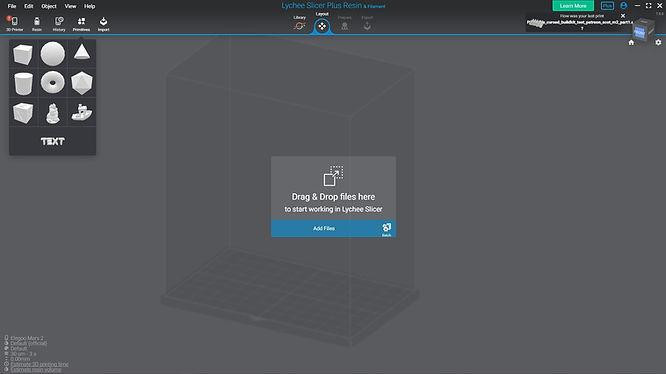
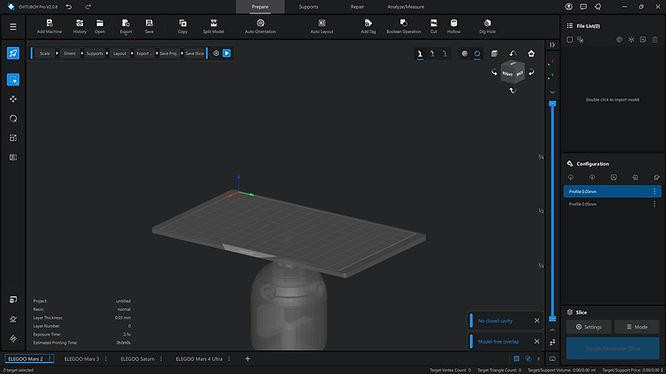
Interface and Ease of Use:
✅ Chitubox: Minimalistic, intuitive interface, beginner-friendly.
✅ Lychee: Many settings, convenient mesh manipulation, but may be challenging for beginners.
Support Management:
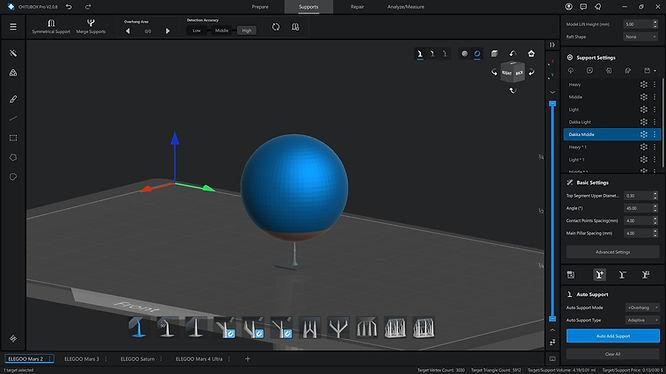
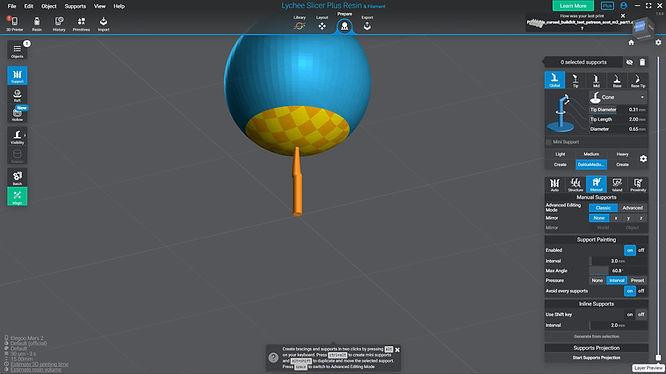
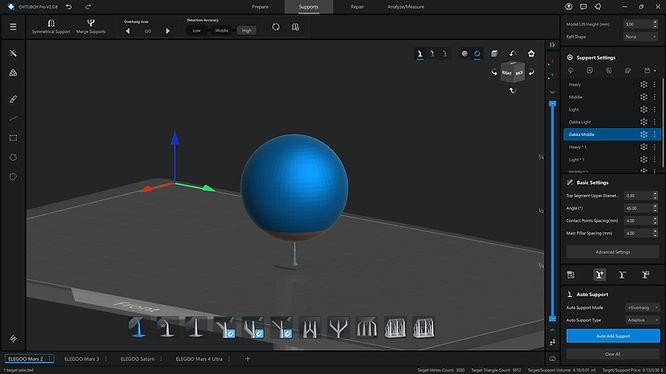
✅ Chitubox: Automatic support placement is average, often requiring manual adjustments; strict with mesh geometry, causing frequent incorrect placements.
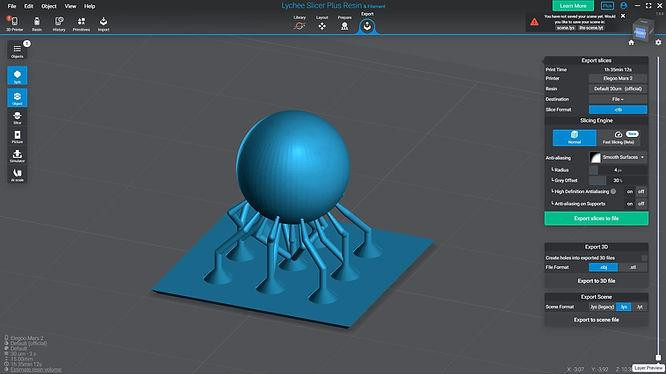
✅ Lychee: Flexible and convenient manual and automatic support placement, excellent mesh management with a dedicated menu.
Conclusion: Lychee is more comfortable for detailed and complex support tasks.
Slicing and Stability:
✅ Chitubox: Reliable slicing.
✅ Lychee: Potential slicing and stability issues, occasional errors with certain models and printers.
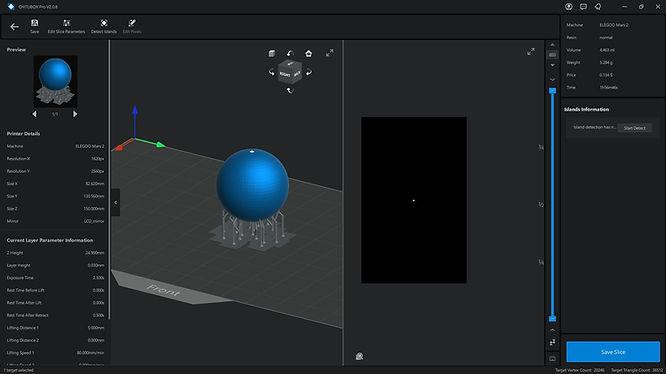
Conclusion: Chitubox is preferable in terms of slicing stability. We’ve checked with Elegoo Mars 2 printers.
Performance and Optimization:
✅ Chitubox: Faster scene loading, handles large projects efficiently.
✅ Lychee: Slower scene loading, performance drops on large projects with many supports.
Conclusion: Chitubox is better optimized for complex and large-scale tasks.
Additional Features:
✅ Hollowing: More convenient and flexible in Lychee compared to Chitubox.
✅ Island Detection: Chitubox better identifies problematic areas before printing.
✅ Model Replacement: Lychee accurately retains model position and orientation, whereas Chitubox has significant issues saving files correctly.
✅ Support Bridging: Chitubox automatically places bridges better than Lychee.
✅ Multiple Windows Usage: Only available in Chitubox, useful for batch preparation.
✅ Smoothing Settings: Chitubox automatically remembers settings, whereas Lychee requires manual input each session.
✅ Hotkeys for Support Levels (“4”, “5”, “6”): Available only in Lychee, saving time.
✅ Raft Warping Issues: More frequent in Lychee when printing on certain printers.
| Feature | Chitubox | Lychee Slicer |
| Beginner Friendliness | ✅ Easy to learn | ⚠️ Harder to learn |
| Support Management | ⚠️ Average | ✅ Excellent |
| Slicing Stability | ✅ High | ⚠️ Occasional issues |
| Performance | ✅ High | ⚠️ Moderate |
| Hollowing | ⚠️ Average | ✅ Excellent |
| Island Detection | ✅ Excellent | ⚠️ Average |
| Model Replacement | ⚠️ Problematic | ✅ Excellent |
| Support Bridging | ✅ Excellent | ⚠️ Average |
| Multiple Window Usage | ✅ Available | ❌ Unavailable |
| Smoothing Settings | ✅ Remembered | ⚠️ Not remembered |
| Raft Warping Issues | ✅ Rare | ⚠️ Occasional |
| Flexibility | ⚠️ Moderate | ✅ High |
Final Recommendations:
- If you’re a beginner looking for simplicity, choose Chitubox.
- If you need flexibility in support placement and detailed adjustments, opt for Lychee Slicer.
Ultimately, the choice depends on your specific needs. Try both slicers and choose the one that best matches your working style. Share your experience in the comments below!